-
Sinapanga Court, Bondo
•
-Click on the Button in the centre of the Picture to start.-Click on the Full Screen button to enter Full Screen-Click on the Hotspots to navigate between different scenes, click and drag to look around each scene.-You can also navigate directly to various scenes by activating the thumbnail menu button.
-
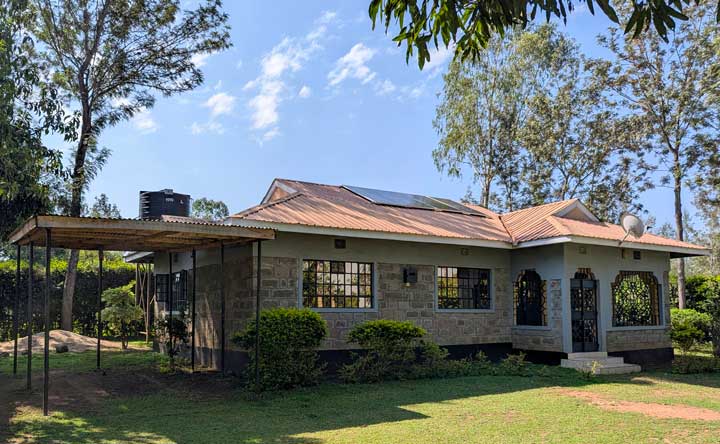
360° Tour of the Inner Grounds, QuantiScale Studio, Bondo
•
360° Virtual Tour Click the Top Right of the picture to enter Full Screen. Click on the arrows to navigate between scenes, and click & drag to look around each scene
-
360° Tour of the Outer Grounds, QuantiScale Studio, Bondo
•
360° Virtual Tour Click the Top Right of the picture to enter Full Screen. Click on the arrows to navigate between scenes, and click & drag to look around each scene